BrainPad Pulse
STEM Microcomputer for Coding Robots, Games, & Circuits
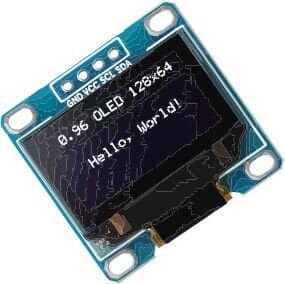
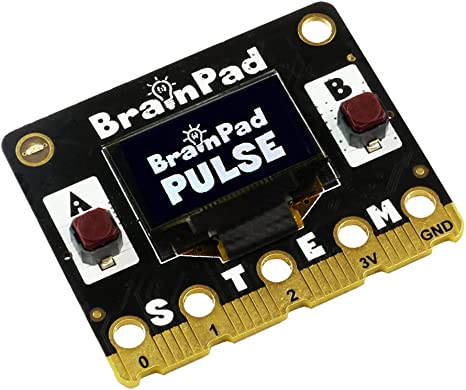
BrainPad Pulse has a unique 128×64 B&W graphical display that can be used for showing text, graphing sensor data as well as creating simple video games!
Carrying Case and USB Cable Included
All BrainPad products come with a reusable carrying case to store your products when not in use. The BrainPad Pulse case fits conveniently inside all other BrainPad Accessory Kit cases too.

Code using blocks
-
The BrainPad Pulse comes preloaded to work with Microsoft MakeCode.
-
Microsoft MakeCode is a free online learn-to-code platform where anyone can build games and code the BrainPad Pulse.
-
There are no accounts to create and nothing to install. Works with any web browser.
-
Build up your coding skills as you move from block-based coding to languages like JavaScript and Python. All inside the same Makecode interface.
-
Once your code is done download it onto the BrainPad Pulse.
-
Pre-loaded with Microsoft MakeCode
-
Learn to Code - Using Blocks, Javascript, or Python
-
Online Browser Based Simulator with Built-in Tutorials & eBook
-
No Accounts to Create/Nothing to Install

Control Sensors with the BrainPad Pulse
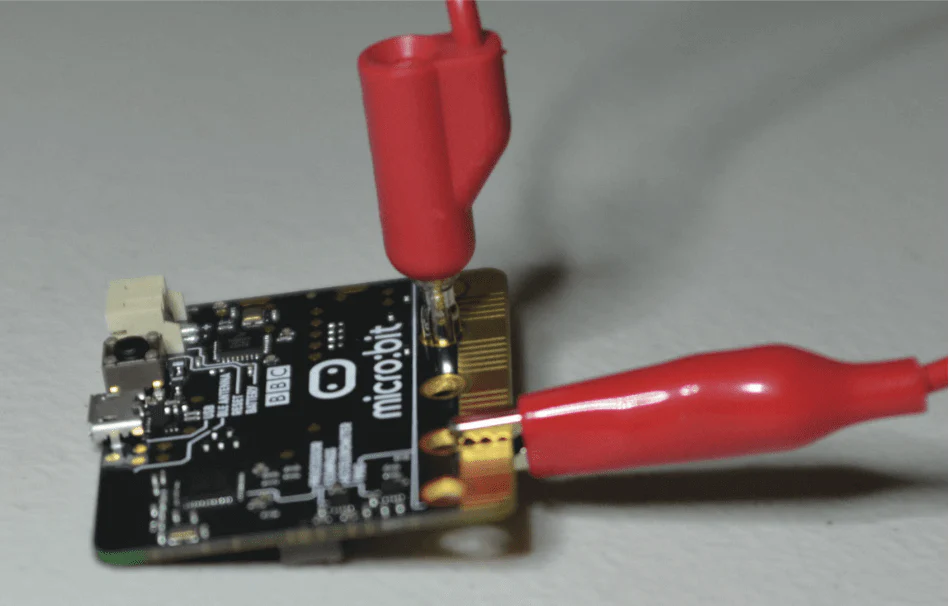
Coding circuits was never easier. Use alligator clips to easily connect to the BrainPad Pulse
-
Solderless connections using clips
-
Understand how to connect inputs from physical world into the “brain”
-
Several input and output sensors for understanding how the “brain” controls the physical world
-
Reusable Storage Case
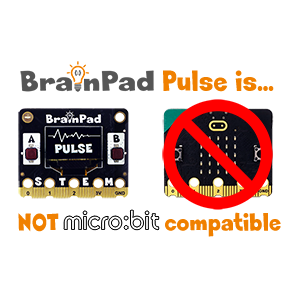
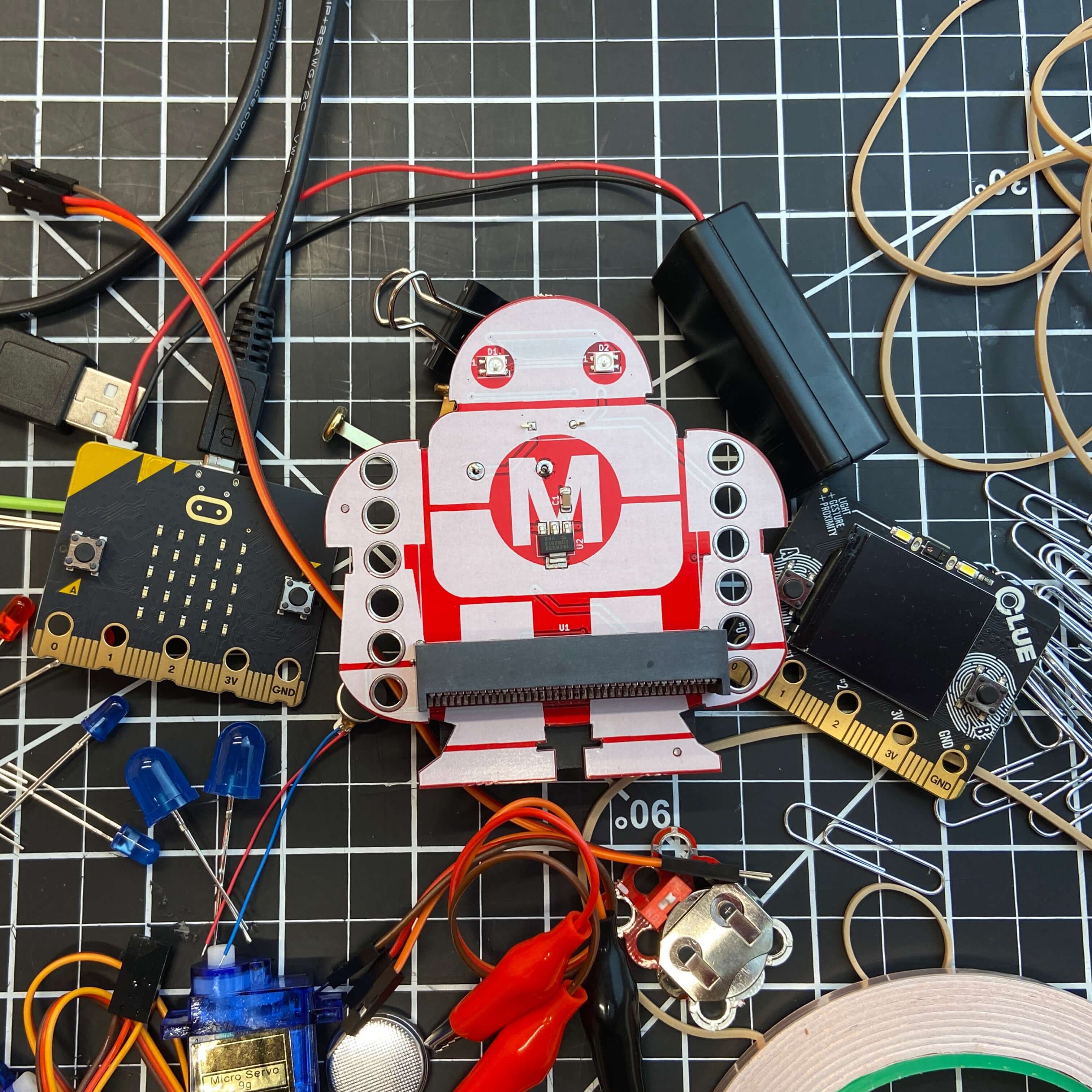
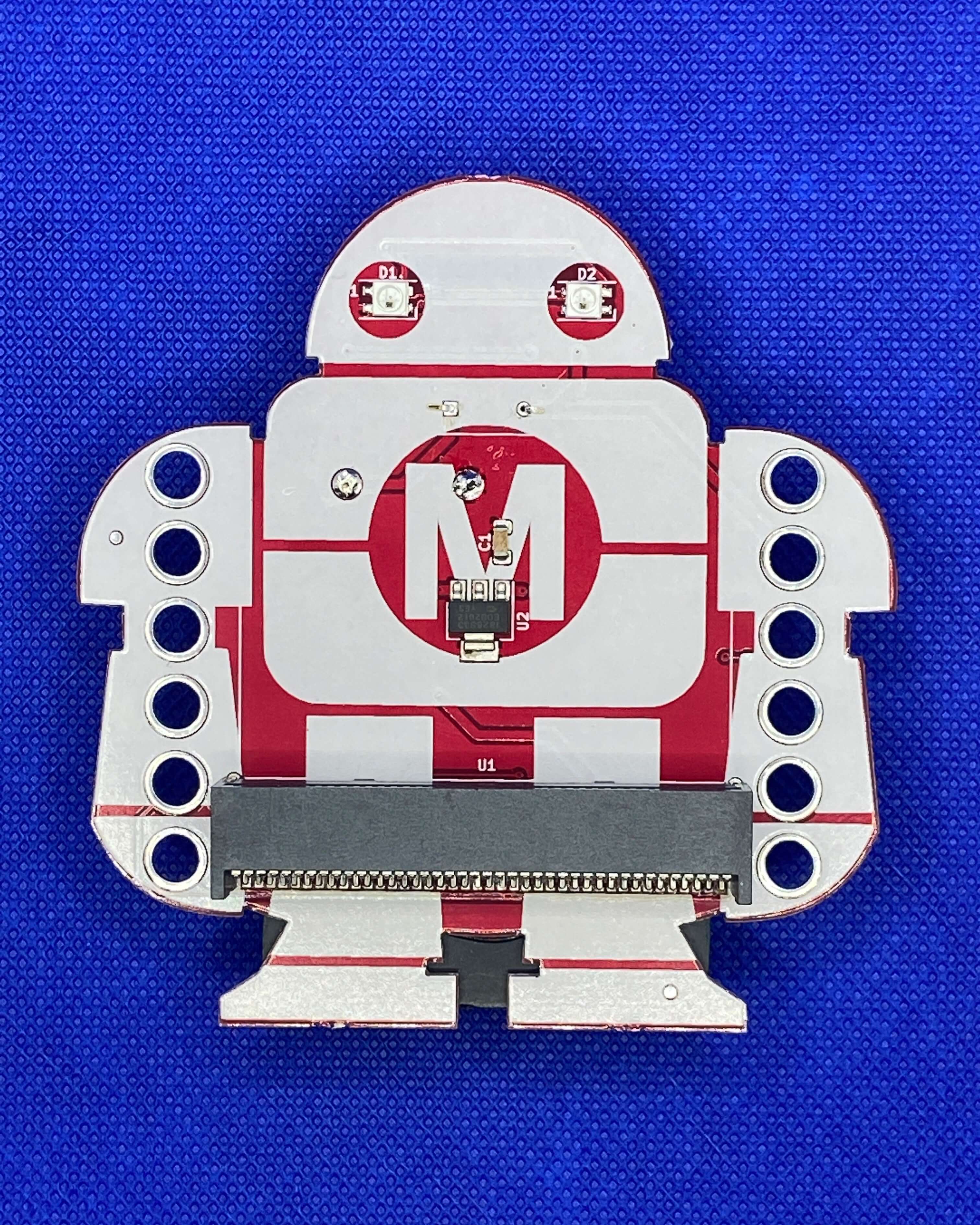
BrainPad Pulse is NOT micro:bit compatible, but does work with the Makey:bit Adventure Board!
Though the BrainPad Pulse and micro:bit share a similar edge connector. BrainPad only certifies compatibility with select BrainPad branded kits. The BrainPad Pulse has it's own MakeCode interface and cannot be programmed using micro:bit's MakeCode simulator. Projects created in each simulator are not interchangeable.

Online eBook Included
MakeCode for BrainPad guide takes the user on a journey, starting with the simulator to the actual hardware.STEM Microcomputer for Coding Robots, Games, & Circuits
BrainPad Pulse has a unique 128×64 B&W graphical display that can be used for showing text, graphing sensor data as well as creating simple video games!
Carrying Case and USB Cable Included
All BrainPad products come with a reusable carrying case to store your products when not in use. The BrainPad Pulse case fits conveniently inside all other BrainPad Accessory Kit cases too.
Code using blocks
-
The BrainPad Pulse comes preloaded to work with Microsoft MakeCode.
-
Microsoft MakeCode is a free online learn-to-code platform where anyone can build games and code the BrainPad Pulse.
-
There are no accounts to create and nothing to install. Works with any web browser.
-
Build up your coding skills as you move from block-based coding to languages like JavaScript and Python. All inside the same Makecode interface.
-
Once your code is done download it onto the BrainPad Pulse.
-
Pre-loaded with Microsoft MakeCode
-
Learn to Code - Using Blocks, Javascript, or Python
-
Online Browser Based Simulator with Built-in Tutorials & eBook
-
No Accounts to Create/Nothing to Install
Control Sensors with the BrainPad Pulse
Coding circuits was never easier. Use alligator clips to easily connect to the BrainPad Pulse
-
Solderless connections using clips
-
Understand how to connect inputs from physical world into the “brain”
-
Several input and output sensors for understanding how the “brain” controls the physical world
-
Reusable Storage Case
BrainPad Pulse is NOT micro:bit compatible, but does work with the Makey:bit Adventure Board!
Though the BrainPad Pulse and micro:bit share a similar edge connector. BrainPad only certifies compatibility with select BrainPad branded kits. The BrainPad Pulse has it's own MakeCode interface and cannot be programmed using micro:bit's MakeCode simulator. Projects created in each simulator are not interchangeable.
Online eBook Included
MakeCode for BrainPad guide takes the user on a journey, starting with the simulator to the actual hardware.Description
STEM Microcomputer for Coding Robots, Games, & Circuits
BrainPad Pulse has a unique 128×64 B&W graphical display that can be used for showing text, graphing sensor data as well as creating simple video games!
Carrying Case and USB Cable Included
All BrainPad products come with a reusable carrying case to store your products when not in use. The BrainPad Pulse case fits conveniently inside all other BrainPad Accessory Kit cases too.
Code using blocks
-
The BrainPad Pulse comes preloaded to work with Microsoft MakeCode.
-
Microsoft MakeCode is a free online learn-to-code platform where anyone can build games and code the BrainPad Pulse.
-
There are no accounts to create and nothing to install. Works with any web browser.
-
Build up your coding skills as you move from block-based coding to languages like JavaScript and Python. All inside the same Makecode interface.
-
Once your code is done download it onto the BrainPad Pulse.
-
Pre-loaded with Microsoft MakeCode
-
Learn to Code - Using Blocks, Javascript, or Python
-
Online Browser Based Simulator with Built-in Tutorials & eBook
-
No Accounts to Create/Nothing to Install
Control Sensors with the BrainPad Pulse
Coding circuits was never easier. Use alligator clips to easily connect to the BrainPad Pulse
-
Solderless connections using clips
-
Understand how to connect inputs from physical world into the “brain”
-
Several input and output sensors for understanding how the “brain” controls the physical world
-
Reusable Storage Case
BrainPad Pulse is NOT micro:bit compatible, but does work with the Makey:bit Adventure Board!
Though the BrainPad Pulse and micro:bit share a similar edge connector. BrainPad only certifies compatibility with select BrainPad branded kits. The BrainPad Pulse has it's own MakeCode interface and cannot be programmed using micro:bit's MakeCode simulator. Projects created in each simulator are not interchangeable.